Table of Contents
ToggleControl4 has become one of the most trusted names in home automation, offering homeowners a centralized platform to control lighting, climate, entertainment, and security from a single interface. Unlike scattered smart home apps that require juggling multiple controllers, Control4 integrates your devices into one cohesive ecosystem. Whether you’re automating a single room or an entire house, understanding how Control4 works and what it can do is the first step toward a genuinely smart home. This guide walks you through the system’s capabilities, setup basics, and real-world applications to help you decide if it’s the right fit for your house.
Key Takeaways
- Control4 home automation centralizes lighting, climate, entertainment, and security into a single local-network interface, eliminating the need to manage multiple apps and devices.
- Unlike cloud-dependent systems, Control4 operates on your home’s local network, ensuring instant responsiveness and reliability even during internet outages.
- Professional installation and programming are typically recommended for Control4 systems, though hardware setup can be partially DIY if you have strong networking knowledge.
- Compatible devices from brands like Lutron, Honeywell, Sonos, and Ecobee integrate seamlessly, but always verify compatibility before purchasing new smart home devices.
- Whole-home Control4 systems cost $3,000–$10,000+, making them best suited for homeowners planning long-term residency who value unified ecosystems over budget-friendly alternatives.
- Control4 excels at multi-room audio/video distribution, occupancy-based automation, and voice control integration with Alexa and Google Home for effortless daily routines.
What Is Control4 and How Does It Work
Control4 is a professional-grade home automation platform that centralizes control of smart devices throughout your home. At its core is a dedicated Control4 controller, a hardware hub that communicates with compatible devices like lights, thermostats, door locks, and speakers. Unlike consumer systems that rely on cloud connectivity, Control4 operates on a local network, meaning your home responds instantly without depending on internet latency or service interruptions.
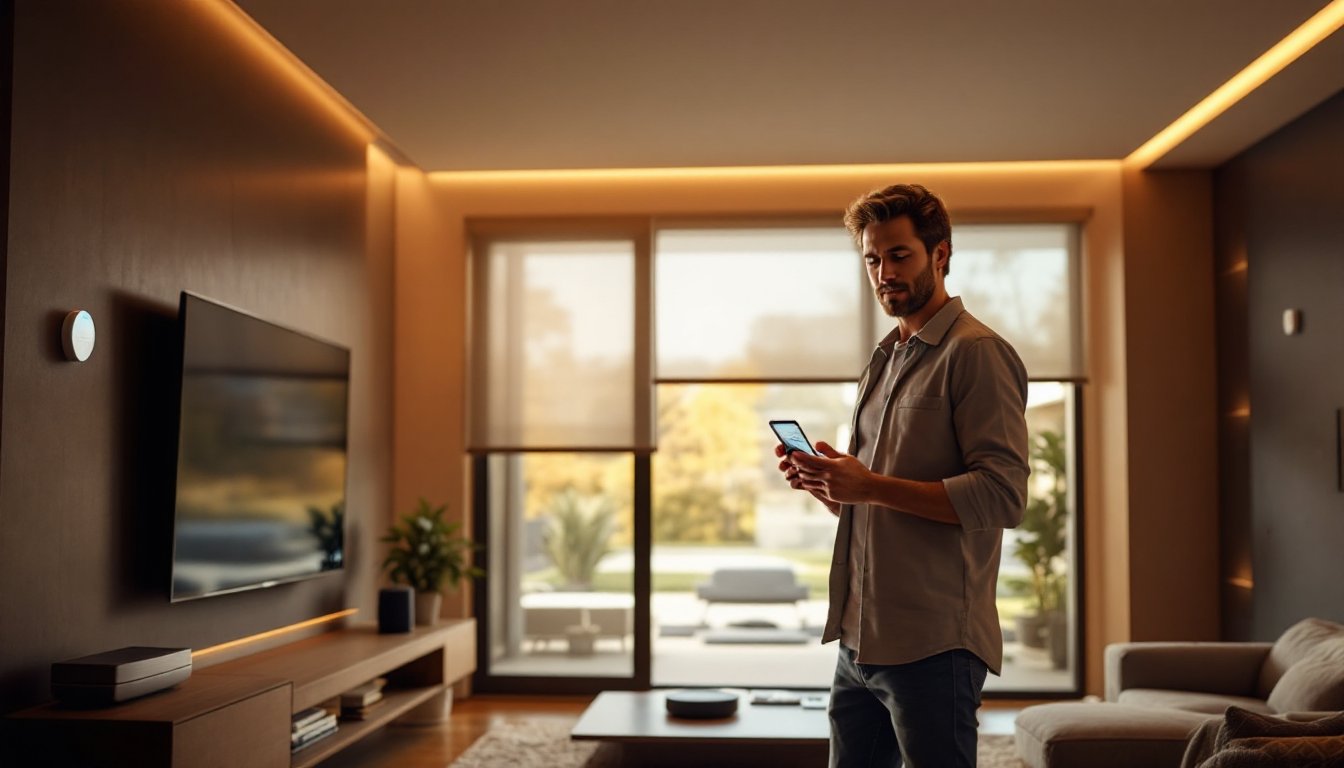
The system uses a combination of wired and wireless communication protocols. Wired connections run through your home’s network infrastructure, while wireless protocols like Z-Wave handle battery-powered devices. A touchscreen, smartphone app, or voice assistant lets you interact with the system. The real magic happens through programming and automation, you can set rules like “when I leave, lock the doors, arm security, and turn off lights.” Control4 processes these commands at the local level, making the system reliable even during internet outages.
What separates Control4 from basic smart home hubs is its dealer network and professional support. While you can install some components yourself, many installations benefit from a certified Control4 dealer who handles network setup, programming, and ongoing maintenance.
Key Features That Set Control4 Apart
Multi-room audio and video distribution is a standout feature. You can send different music to different rooms, sync video across displays, or create whole-home entertainment experiences. A wired in-home network (often CAT6 or better) ensures reliable bandwidth for high-definition video and streaming.
Voice control integration works with Alexa and Google Home, letting you use natural language commands. Say “turn on movie mode,” and Control4 dims lights, closes blinds, and powers the projector simultaneously.
Occupancy detection uses motion sensors and geofencing to automate responses. Your home can welcome you by unlocking the front door, turning on entry lights, and adjusting the thermostat when you arrive.
Energy management and reporting shows real-time power consumption, helping you identify which devices drain the most energy. Scheduling features let you run high-power appliances during off-peak hours if your utility offers time-of-use rates.
Scalability is another strength. Control4 scales from a single zone (one room) to a sprawling multi-story home. You start small and expand without replacing the core controller.
Getting Started: Installation and Setup Basics
Before you start, understand that Control4 installation has two tiers: DIY-friendly components and professional-installation necessities.
Automating Your Home: Practical Use Cases and Scenarios
Materials and tools you’ll need:
- Control4 controller (varies by model and coverage area)
- Network cabling (CAT6 or better for hardwired backbone)
- Wireless access points (if expanding beyond wired infrastructure)
- Compatible devices (smart lights, thermostats, locks, speakers)
- Smartphone or tablet for app access
- Basic networking knowledge or professional installer
Start by assessing your home’s network. A robust in-home network is non-negotiable. Most homes need a dedicated network switch and proper cable runs to support the bandwidth Control4 demands. This often requires running cable through walls, which is where a professional becomes invaluable.
Device compatibility is critical. Not every smart light or thermostat works with Control4. Check the official compatibility matrix before purchasing. Common compatible brands include Lutron lighting, Honeywell thermostats, and Sonos speakers, but always verify.
Once hardware is in place, programming begins. This is where Control4 shines and where most DIYers hit a wall. Creating scenes (custom automations), setting occupancy rules, and integrating voice commands requires either comfort with the Control4 system or hiring a dealer. Many homeowners install the hardware themselves but contract programming to a professional.
Safety considerations: Ensure your electrician follows NEC (National Electrical Code) standards when running low-voltage wiring. In many jurisdictions, major electrical work requires permits and licensed professionals. Smart locks and security integrations should be tested thoroughly before relying on them exclusively for home access.
Controlling Lighting, Climate, and Entertainment Systems
Lighting control with Control4 goes beyond simple on/off. Integrate Lutron shades and dimmers for precise brightness levels throughout the day. Program sunrise and sunset scenes, or sync lights with your calendar events. If you’re traveling, your phone app lets you simulate occupancy by turning lights on and off at randomized times.
Climate control benefits from smart thermostat integration with systems like Honeywell or Ecobee. Control4 learns your patterns and can adjust temperature automatically based on time of day or occupancy. Combine this with smart home technology news and you’ll see how modern systems predict comfort.
Entertainment systems are where Control4 truly excels. Distribute audio throughout your home with Sonos, Control4 amplifiers, or other integrated speakers. Watch a movie in your living room, then continue it seamlessly in your bedroom. Video distribution sends live TV or streaming content to multiple screens. Imagine walking into your home and having it greet you by adjusting Brilliant Home Automation features to match your evening routine.
These integrations eliminate the need for multiple apps and remotes. Everything flows from one interface, creating an intuitive experience that grows more valuable over time.
Is Control4 Right for Your Home
Control4 demands an upfront investment, both in hardware and setup labor. Expect $3,000 to $10,000+ for a whole-home system, depending on home size, device count, and whether you hire professional installation. Smaller single-zone setups can start lower, but network infrastructure costs add up quickly.
Control4 works best if you:
- Own your home and plan to stay for years (payback comes through convenience and potential resale appeal)
- Want a unified ecosystem rather than managing a dozen apps
- Value local processing and reliability over cutting-edge AI
- Are willing to invest in professional setup and support
Control4 may not be ideal if you:
- Rent (most installations are permanent)
- Want a hands-off, budget-friendly entry into smart homes
- Prefer open-source or fully DIY platforms with no professional dependencies
For regional applications, home automation in Atlanta and home automation in Naples show how tailored implementations vary by climate and living style. Likewise, those interested in luxury home automation often choose Control4 for its premium build and dealer support.
Before committing, request a consultation with a certified Control4 dealer. Most offer free assessments and can walk through your home to estimate scope and cost. Ask about their warranty, ongoing support, and update policies. A good dealer is worth their fee, they handle complexity so you enjoy the benefits.
Conclusion
Control4 delivers a professional-grade smart home experience that unifies dozens of devices into a seamless, voice-activated ecosystem. It’s not the cheapest path to automation, but for homeowners seeking reliability, scalability, and local processing, it’s a proven choice. Start by identifying your priorities, lighting, climate, security, or entertainment, and consult a certified dealer to explore what Control4 can realistically deliver in your home. The right system transforms daily routines into effortless moments.