Table of Contents
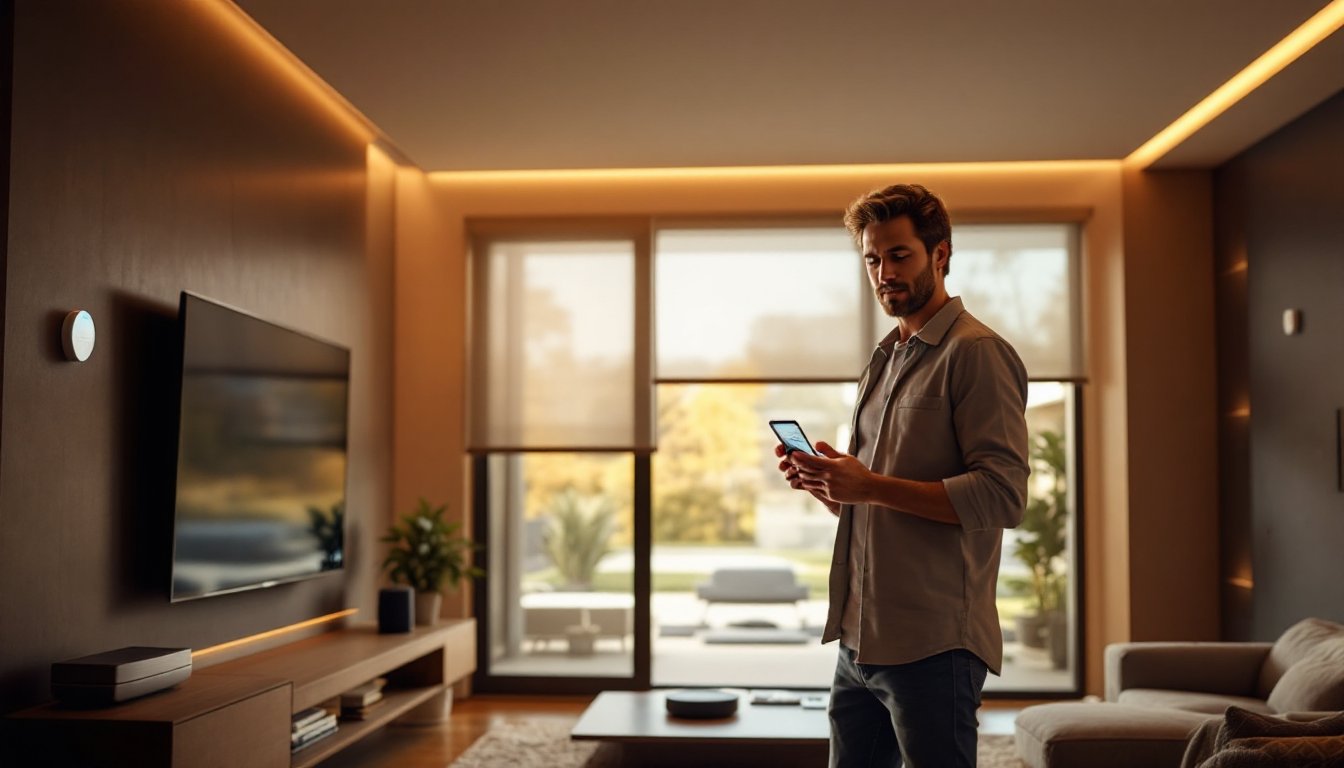
ToggleHome automation has shifted from a luxury to a practical investment for homeowners looking to save time, money, and energy. Whether you’re upgrading a single room or transforming your whole house, smart devices let you control lighting, temperature, security, and entertainment from your phone or voice commands. The barrier to entry is lower than ever, no rewiring your entire home or hiring an electrician for every install. This guide walks you through actionable home automation ideas that fit real budgets and skill levels, helping you decide what makes sense for your space.
Key Takeaways
- Smart bulbs and switches are the most affordable entry point for home automation ideas, costing $10–$60 per device with zero rewiring required.
- Intelligent thermostats can reduce heating and cooling costs by 10–15% and typically pay for themselves within 18 months through energy savings.
- A smart security system combining locks, doorbells, and strategically-placed cameras provides comprehensive protection starting at $100–$300 per device.
- Start small with one category of home automation (lighting, climate, or security), choose a compatible platform like Alexa or Google Home, and expand gradually to avoid costly mistakes.
- Expect an initial investment of $1,000–$3,000 to automate 3–4 rooms, with most installations doable as DIY projects or requiring only a few hours of professional help.
Smart Lighting Systems for Every Room
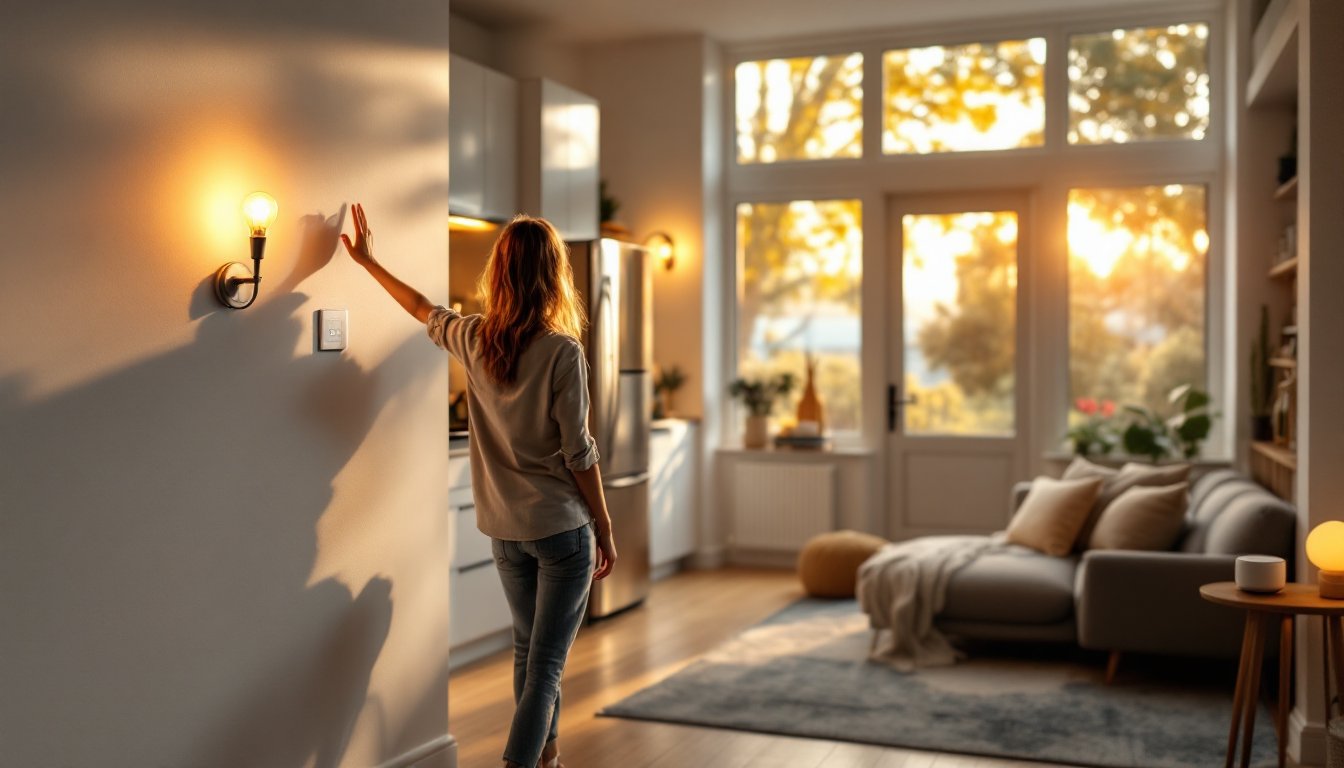
Smart bulbs and switches are the easiest entry point into home automation, and they deliver immediate returns. You can swap a traditional bulb for a smart LED bulb (like a Philips Hue or LIFX equivalent) without any wiring. They dim, change color temperature, and turn on/off remotely or on a schedule.
If you want a more permanent setup, consider smart light switches. These replace your existing switches and control any light fixture. They’re hardwired, so installation takes basic electrical knowledge, or you hire an electrician for an hour or two. Smart switches work with any bulb, which is why many homeowners prefer them for whole-room control.
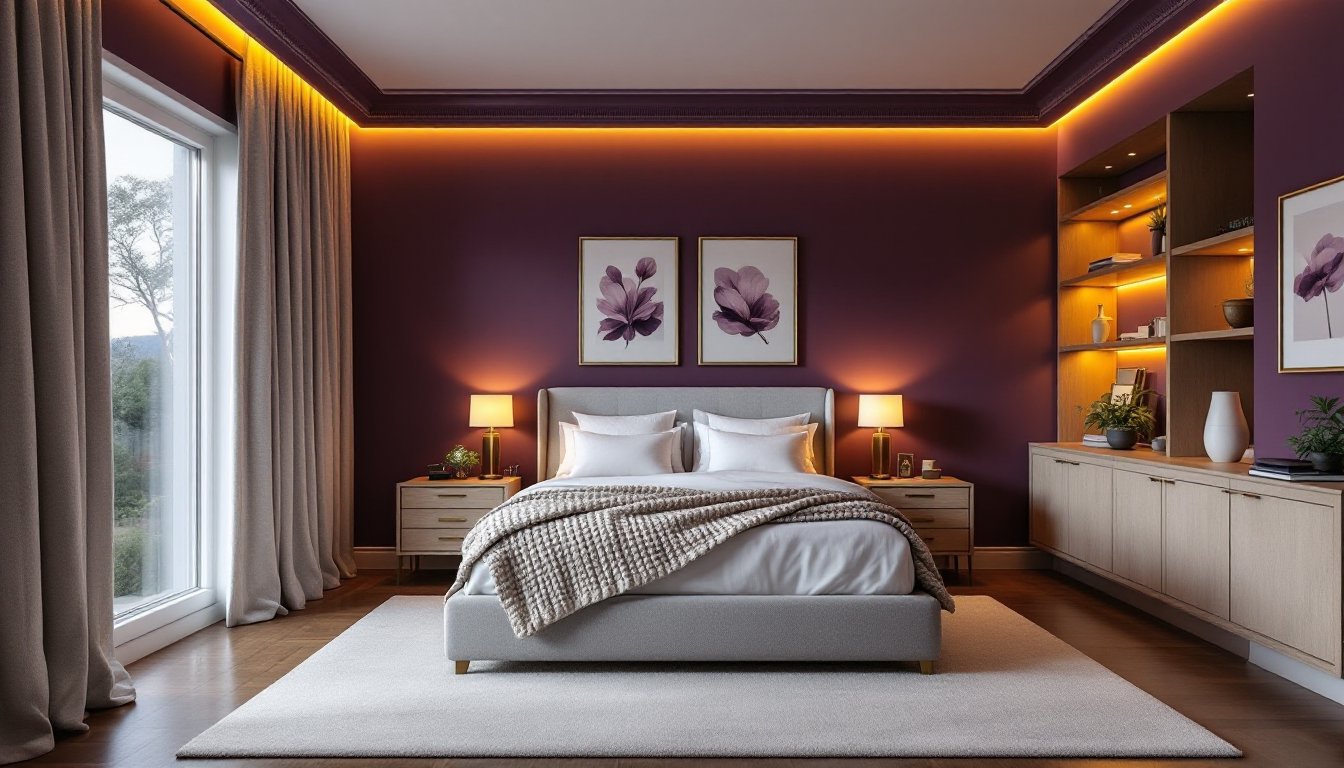
Use cases: Motion-sensor lighting in hallways cuts nighttime trips to the kitchen short. Automated sunset-to-sunrise lighting in living rooms supports your circadian rhythm and looks natural. Bedroom lights that gradually brighten 15 minutes before your alarm mimic sunrise and ease waking. You can also set scenes, “movie mode” dims lights to 10%, “morning” sets them to cool white at 80%.
Cost: A smart bulb runs $10–$25 per bulb: smart switches cost $30–$60 each. Start with one room and expand as comfort grows.
Intelligent Climate Control and Thermostats
A smart thermostat learns your schedule, adjusts temperature based on occupancy, and can cut heating/cooling costs by 10–15%. Models like Nest, Ecobee, and Honeywell connect to Wi-Fi and let you adjust temperature from anywhere.
Installing a smart thermostat is a weekend DIY project for most homeowners. You’ll turn off power at the breaker, remove the old thermostat, take a photo of the wiring, and connect wires to the new unit. Most smart thermostats come with detailed guides, but if your house has an unusual HVAC setup (like a heat pump or radiant heating), consult the manual or hire an HVAC tech.
Advanced features include geofencing, your thermostat bumps temperature down when the last person leaves and warms up 30 minutes before arrival. Humidity sensors prevent mold. Some units integrate with voice assistants so you can say “Alexa, set the temperature to 72 degrees.”
Cost: $200–$400 installed. The energy savings typically offset the cost within 18 months, especially in harsh climates.
Smart Security and Access Control
Smart locks, doorbells, and cameras form a security foundation that works even when you’re away. A smart door lock lets you unlock your front door from your phone, set temporary codes for guests, and receive notifications when someone enters.
Wired doorbell cameras record video 24/7 or on motion triggers. Battery-powered versions offer flexibility, they mount on your door frame without cutting into siding. You’ll see who’s at the door, speak to them, or review footage after you leave.
Security cameras placed at entry points (front door, back patio, garage) create a surveillance network. Many homeowners use a hub and 2–3 cameras strategically: this provides coverage without overkill. Ensure your Wi-Fi is strong, footage streams and records, so bandwidth matters.
Installation varies. A smart lock usually swaps in 20–30 minutes using your existing deadbolt hole. Doorbells and cameras need power, some hardwired (older homes have existing chime wiring you can tap), others battery-powered. Security systems may require a professional install if you want professional monitoring.
Cost: Smart locks $100–$250. Doorbells $100–$200. Cameras $80–$300 each. Monthly monitoring (optional) runs $10–$25.
Automated Entertainment and Media
Smart speakers (Amazon Echo, Google Home, Apple HomePod) serve as hubs for voice control and audio playback. They play music, answer questions, control other devices, and integrate with streaming services. Placing one in the kitchen, living room, and bedroom covers most daily spaces.
A whole-home audio system runs music to multiple rooms simultaneously or independently. Wired systems require running speaker cable during renovation: wireless systems (Sonos, Denon Heos) connect via Wi-Fi and install in minutes. You control volume and source from your phone or voice assistant.
For video, a media server or streaming device (Apple TV, Nvidia Shield, Fire Stick) centralizes your content. Connect it to your TV, and control playback, apps, and lighting from one remote or voice command. Some integrate with smart lighting so lights dim automatically when you press play.
Setup is plug-and-play for most people. Wireless speakers and streaming sticks require only Wi-Fi. Hardwired audio systems need speaker cable run during construction, that’s a job for a contractor or an experienced DIYer.
Cost: Smart speakers $30–$100. Wireless multi-room audio systems $500–$2,000 for 3 rooms. Streaming devices $50–$200.
Kitchen Automation for Modern Living
The kitchen is where automation saves the most time. A smart refrigerator tracks groceries, suggests recipes, and displays calendars or weather on a built-in screen. They’re expensive but help reduce waste. More budget-friendly: smart plugs that control your coffee maker, slow cooker, or instant pot remotely.
A smart oven preheats on command and sends notifications when food is ready. Some integrate with your phone so you adjust temperature while cooking. If your budget is tighter, a smart plug controlling a conventional oven is a practical alternative.
Smart faucets sense your hand and turn on/off, reducing water waste and keeping your hands clean while cooking. They require either a battery pack under the sink or hardwired power from a nearby outlet. Installation is straightforward for most under-sink plumbing setups.
Link to do-it-yourself home automation guides for step-by-step kitchen project instructions. You can also explore luxury home automation options if you’re planning a high-end remodel.
Cost: Smart plugs $10–$30 each. Smart faucets $200–$500. Smart ovens $1,500–$3,500.
Getting Started With Home Automation
Start small and expand. Pick one category, lighting, climate, or security, and master it before adding complexity. Most homeowners begin with a smart speaker and a few compatible devices.
Step 1: Choose a platform. Amazon Alexa, Google Home, or Apple’s ecosystem dominate. Compatibility matters. Not all smart devices work with all platforms, so pick one and stick with it.
Step 2: Invest in a Wi-Fi hub. Many platforms offer hubs (Echo with hub built-in, Google Nest Hub). A good mesh Wi-Fi system ensures strong signal throughout your home, automation devices are sensitive to weak connections.
Step 3: Test before committing. Rent or borrow a smart device for a week. See if you actually use it. Some people love voice control: others find it gimmicky.
Step 4: Plan electrical work carefully. Hardwired devices (smart switches, wired cameras, outlets) may require new circuits or outlet placement. Hire a licensed electrician if you’re unsure, permit requirements vary by jurisdiction and home age.
Cost: Expect $1,000–$3,000 to automate 3–4 rooms (lighting, climate, security). Expand from there.
Popular resources like Best Smart Home Devices of 2026 and Smart Home Ideas: 50 Ways to Automate Your Life provide reviews and detailed comparisons. You can also review Home Automation Chicago for region-specific installation tips.
Conclusion
Home automation doesn’t require gutting your house or hiring contractors for everything. Start with one device, learn its quirks, and grow from there. Smart lights, thermostats, locks, and speakers deliver real convenience and energy savings when chosen thoughtfully. Invest time in planning and testing, that’s how you avoid expensive mistakes and build a system that genuinely improves daily life.