Table of Contents
ToggleApartment living comes with constraints, you can’t renovate walls, run wiring through structural studs, or install permanent fixtures without landlord approval. But smart home automation doesn’t have to require a construction crew or a lease-breaking conversation with your building manager. Today’s renter-friendly devices plug in, mount temporarily, and pack up cleanly when you move. Whether you’re managing lights and temperature or securing entry points, apartment dwellers can build a genuinely smart living space using equipment that respects both the lease and your security deposit.
Key Takeaways
- Home automation for apartments thrives on plug-and-play, renter-friendly devices like smart bulbs, doorbell cameras, and smart plugs that require no installation, drilling, or landlord permission.
- Smart lighting, thermostats with smart plugs, and adhesive-mounted sensors deliver practical benefits—energy savings, security footage, remote access, and automation routines—while remaining completely reversible when you move.
- Smart home automation in apartments solves shared-wall problems like temperature disputes, package theft, and noise concerns by giving you individual control over your space without building management approval.
- Compatibility within a single ecosystem (Amazon Alexa, Google Home, or Apple Home) prevents frustration and ensures all devices communicate reliably throughout your apartment.
- Wi-Fi mesh networks and proper cable management are essential for consistent performance and a professional appearance that keeps landlords satisfied and protects your security deposit.
Why Apartment Dwellers Are Embracing Smart Home Technology
Smart home tech solves a specific apartment problem: control without commitment. Renters have always felt excluded from home automation because the best solutions historically required hardwired installation, running Ethernet cables, cutting into drywall, or replacing physical switches. That’s changed.
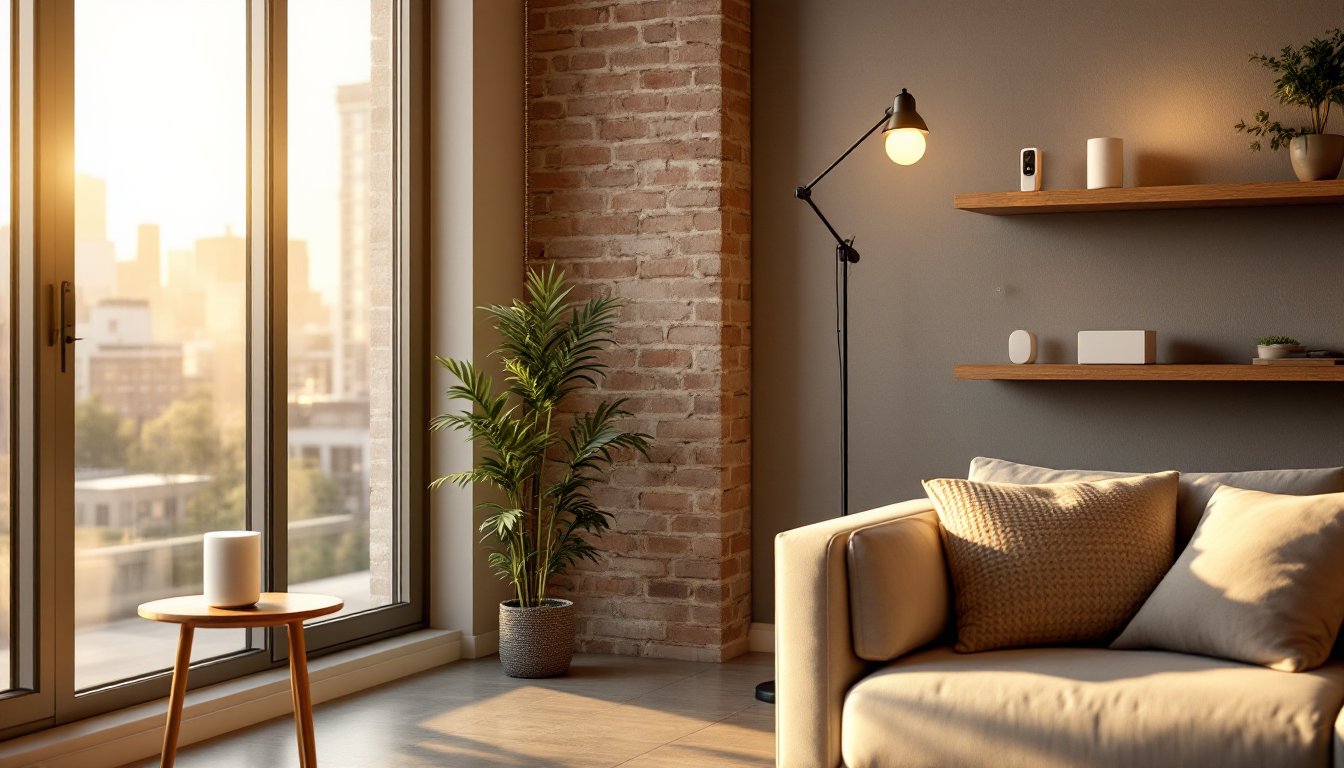
Most apartment dwellers now use Wi-Fi and Bluetooth devices that operate independently. A smart thermostat that doesn’t actually control the HVAC but reports usage and suggests adjustments. A smart lightbulb that screws into an existing socket. A doorbell camera that mounts with adhesive. These aren’t workarounds: they’re legitimate solutions that often work as well as permanent installs.
The appeal is practical. You gain energy savings by reducing phantom loads and heating unused rooms. You get security footage and remote access when traveling. You automate routines, lights on at sunset, coffee maker engaged at 6 a.m., without touching a breaker panel. And when you move, everything comes with you.
Apartment automation also addresses the social factor. Sharing walls means noise, temperature disagreements, and package theft are real concerns. Smart locks let trusted friends in without copies floating around. Smart bulbs mean no more arguing about whether the living room should be bright or dim. These small conveniences often matter more in shared walls than in detached houses.
The Best Renter-Friendly Smart Devices for Your Apartment
Not all smart devices suit apartment living. The best choices are plug-and-play, don’t require permits, and won’t trigger disputes with management. Focus on three categories: climate, lighting, security, and convenience.
Smart Lighting and Climate Control
Smart bulbs are the easiest entry point. They cost $10–30 per bulb, screw into existing fixtures, and need nothing but a smartphone app. Popular brands like Philips Hue and LIFX offer color options and scheduling without touching a wall switch. The advantage over smart switches: no installation, and you take the bulbs when you move.
Thermostat control is trickier in apartments because most use building-supplied or landlord-controlled HVAC. A smart thermostat that actually replaces your wall unit requires permission and professional installation. Instead, consider a smart plug that controls a portable AC unit or space heater. You get temperature flexibility in your own space without permanent changes. Make sure your lease allows space heaters and supplemental cooling, some buildings prohibit them.
Portable humidifiers and dehumidifiers also pair with smart plugs, letting you manage air quality without installation. This matters if you live in a humid climate or struggle with dry winters.
Security and Access Solutions
Smart locks are appealing but come with limits. A renter-friendly option is a temporary smart lock that mounts over your existing deadbolt, no removal of the original hardware. Brands like Logitech and Yale make models that fit standard doors. Check your lease first: some buildings prohibit any lock modification.
Doorbell cameras are universally tenant-approved because they mount to existing trim and wire to your existing doorbell circuit (or run on batteries). Footage deters package theft and lets you screen visitors remotely. Popular models come with cloud storage and two-way audio.
For window and door sensors, contact sensors (small magnetic switches) alert you if doors or windows open unexpectedly. They mount with adhesive, no drilling. Pair them with a smart hub, and you can receive phone alerts if anyone enters while you’re away.
Renter-friendly smart devices focus on flexibility and reversibility. The less permanent the installation, the more landlord-friendly it is.
Installation Tips: No Landlord Approval Needed
The golden rule: if it plugs in or mounts with adhesive, you probably don’t need permission. If it requires drilling, rewiring, or replacing permanent fixtures, ask first or hire a licensed pro who guarantees restoration.
Smart plugs and power strips are zero-friction. Plug them into standard outlets and pair with your app. They measure energy use, let you schedule devices on and off, and cost $15–40. Useful for controlling fans, humidifiers, or coffee makers remotely.
Adhesive mounting works on clean, dry surfaces, drywall, tile, or trim. Clean with rubbing alcohol first, press firmly for 30 seconds, and wait 24 hours before testing. Adhesive pulls off cleanly: avoid corners or textured walls where removal might damage paint.
Smart bulbs need no tools. Flip the wall switch to off, wait a few seconds, then install the bulb like any other. Avoid dimmer switches unless the bulb explicitly supports them: otherwise, flickering or burnout happens.
For doorbell cameras, turn off power at the breaker before touching existing wiring. If your door has a standard hardwired button, the camera connects to the same terminals. Battery-powered models need no electrical work at all.
Drilling into stud walls or concrete requires a permit in most jurisdictions for visible changes. Mount security cameras on adjustable arms pointed at common areas instead of drilling through brick.
Always photograph your apartment before installing anything. This protects your deposit if questions arise when you move. Keep all receipts for renter-friendly equipment, proof that you didn’t cause damage.
Creating an Automated Apartment Without Permanent Changes
The best automated apartments don’t look automated. Devices sit invisibly in existing spaces. Smart home automation in an apartment means working within constraints, not fighting them.
Hubs and controllers are the backbone. A device like Amazon Echo or Google Home centralizes commands across all your gadgets. Place it in a central room, living room or bedroom, where Wi-Fi is strong. Hubs cost $30–150 depending on features. The hub itself is totally portable: there’s no installation beyond plugging it in.
Automation routines do the heavy lifting. You can create a “Good Morning” routine that turns on bedroom lights at sunrise, brews coffee, and adjusts temperature. An “Away” routine disables smart locks if you forgot, arms door sensors, and turns off lights. These run automatically without your input.
Wireless mesh networks ensure Wi-Fi reaches every room. If your apartment is large or has heavy walls, a single router might not reach bedrooms or corners. Adding mesh nodes (like Eero or Google Nest Wifi) keeps all devices connected reliably. This is essential because a dropped connection means automations fail silently.
Voice control feels futuristic but is genuinely useful in apartments. “Alexa, turn on the bedroom light” beats fumbling for a phone when carrying groceries. “Alexa, lock the door” is faster than retrieving your key. Voice commands reduce friction and get used daily.
Keep cable runs hidden. Run power cords behind furniture or along baseboards using cable clips. Avoid tripping hazards and unsightly tangles that scream “temporary.” This also helps if a landlord inspects: the apartment still looks professional.
Common Challenges and How to Overcome Them
Wi-Fi interference is the #1 complaint. Apartment walls are thin: neighbors’ networks crowd the airspace. Solve this by checking which Wi-Fi channel you’re using (apps like Wifi Analyzer show congestion). Switch to a less-crowded channel in your router settings. If that doesn’t help, move your hub closer to smart devices or add a mesh node in the problematic room.
Landlord friction happens when automation looks permanent. Always frame smart devices as temporary and portable. If your landlord questions a doorbell camera, explain it’s your own property and comes down when you leave. Keep installation reversible, don’t use permanent adhesive or drill holes that require patching.
Compatibility headaches arise from mixing ecosystems. An Amazon Alexa device may not talk directly to a Google-native thermostat. Solution: choose devices from one main ecosystem (Amazon Alexa, Google Home, or Apple Home). Most brands now support multiple ecosystems anyway. When buying, check compatibility before purchasing.
Battery management affects wireless sensors. Door and window sensors run on coin cells or AA batteries lasting months to years. Set phone reminders to check battery levels seasonally. Wireless locks consume more power: replace batteries annually or before they die.
Shared internet concerns matter in apartments with building-wide Wi-Fi. If you’re on shared internet, your smart home devices still work locally within your Wi-Fi network. They don’t require extra bandwidth unless you’re accessing them remotely (checking a camera feed while at work, for example).
Thermal comfort conflicts happen when you can’t control the central HVAC. Supplement with a portable AC unit or heater plugged into a smart outlet. This gives you control over your space without management headaches. Always check your lease for restrictions on supplemental heating or cooling devices.