Table of Contents
ToggleVoice-controlled home automation isn’t some sci-fi luxury anymore, it’s affordable, straightforward, and genuinely useful. Whether you want to turn off lights without leaving the couch, lock your doors remotely, or preheat your oven from the car, voice assistants like Alexa, Google Assistant, and Siri are making it possible. This guide walks you through the essentials: how the technology works, which platforms to pick, what devices are actually worth buying, and how to set up your first system without getting tangled in jargon or very costly.
Key Takeaways
- Voice-controlled home automation is now affordable and accessible, with entry-level smart speakers starting at $35, making it practical for most homeowners to set up.
- The technology works through a three-part system: a smart hub (speaker), cloud processing of voice commands, and connected devices—allowing you to control lights, locks, and thermostats from anywhere.
- Amazon Alexa leads in device compatibility with thousands of integrations, while Google Assistant excels in contextual understanding and Apple Siri offers privacy-first design for ecosystem-locked users.
- Start with essential devices in three categories—smart lighting ($15–80), thermostats ($200–300), and door locks ($100–200)—to see immediate utility before expanding.
- Voice-controlled automation can reduce heating and cooling costs by 10–15% through scheduling and save $100–300 annually on utilities, plus add genuine security through remote locks and camera monitoring.
- Set up your voice-controlled system in five simple steps: choose a hub, connect to 2.4 GHz Wi-Fi, add one test device, expand gradually, and create routines to automate multiple commands with a single phrase.
How Voice-Controlled Home Automation Works
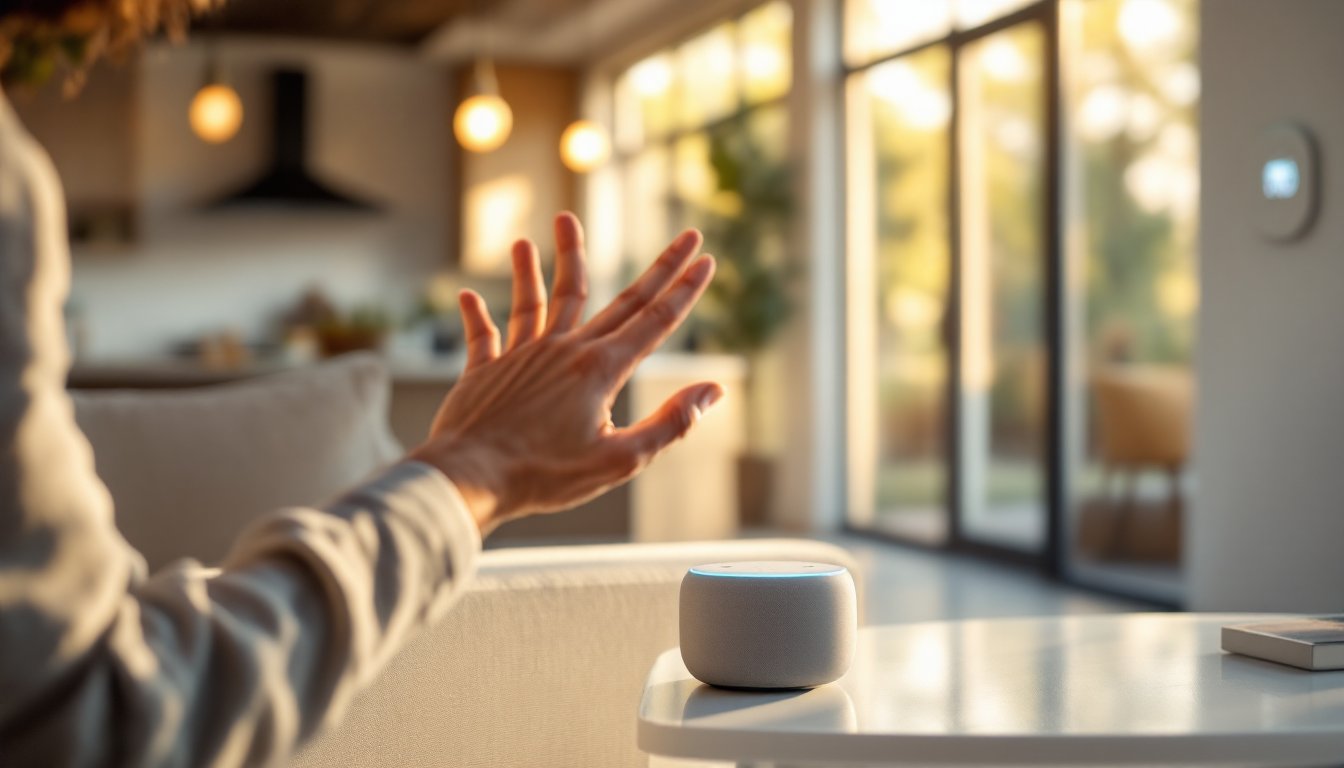
Voice-controlled automation hinges on three moving parts: a smart hub (the speaker), a cloud service that processes your voice commands, and connected devices in your home.
Here’s the sequence. You say, “Alexa, dim the lights.” The speaker’s microphone picks up your voice, converts it to data, and sends it to Amazon’s servers. The cloud service identifies the command (lighting adjustment), checks your home setup, and sends a signal back to your smart bulbs or dimmer switch. The whole process takes a few seconds.
The magic is that the hub doesn’t do the thinking, the cloud does. That’s why these systems work even if your internet hiccups briefly: cached commands execute locally. It’s also why they’re constantly improving: the cloud service learns and refines voice recognition without requiring new hardware.
Top Voice Assistant Platforms for Smart Home Control
Three platforms dominate: Amazon Alexa, Google Assistant, and Apple Siri. Each has strengths.
Alexa is the most flexible and widespread. It works with thousands of smart devices from different manufacturers, lights, thermostats, door locks, plugs. Echo speakers range from $35 (Echo Dot) to $250+, and Alexa integrates with budget-friendly hardware easily. If compatibility and options matter most, Alexa wins.
Google Assistant excels at search and contextual understanding. It’s built into Google Nest speakers and displays. If you use Google’s ecosystem (Gmail, Calendar, Maps) heavily, Assistant’s natural conversation feels seamless. Nest products are comparable in price to Alexa but work best with Google-branded or compatible devices.
Apple Siri anchors the HomePod Mini ($99). It’s pricier, requires Apple devices, and has fewer third-party integrations than Alexa or Google. But if you’re deep in Apple’s ecosystem and value privacy-first design, it’s worth considering.
Reviews from major tech outlets covering smart speakers and leading voice assistant comparisons consistently show Alexa leading in sheer device compatibility, though all three are solid choices depending on your existing devices and budget.
Essential Smart Devices to Get Started
Don’t buy everything at once. Start with three categories: lighting, climate control, and security. You’ll see real utility immediately.
Smart Bulbs & Dimmers
Philips Hue, LIFX, and Wyze make solid options. A single smart bulb costs $15–50: a 4-pack runs $50–80. They screw into existing lamps, need no wiring, and work with all three platforms. No permit, no contractor needed. Alternatively, a smart dimmer switch ($30–60) replaces your wall switch and dims all bulbs on that circuit, cleaner than scattered bulbs but requires basic electrical work (turning off the breaker, removing the old switch, wiring the new one).
Smart Thermostat
Nest Learning Thermostat, Ecobee, and Honeywell Home are industry standards ($200–300 installed). These replace your existing thermostat and learn your schedule. Before buying, check compatibility: your system needs a common wire at the thermostat. If it doesn’t, installation is harder. This is one job where hiring a licensed HVAC tech ($100–200) beats DIY guesswork, thermostats control heating and cooling: mistakes cost money and comfort.
Smart Door Lock
August, Yale, and Level Lock all work with voice commands. August smart locks ($100–200) retrofit onto your existing deadbolt: Yale Assure locks replace the entire lock. Level Lock fits inside your existing deadbolt. Installation is usually 15–30 minutes with a drill and screwdriver. No permit needed. Check your door thickness before ordering: some locks don’t fit thick exterior doors.
Smart Plugs & Switches
Wyze plugs ($8–12 each) turn any “dumb” device, a lamp, coffee maker, fan, smart. Just plug it in, add it to your app, and voice-control it. No wiring. Smart switches ($20–40) replace existing switches and control outlets or hardwired loads. Dead simple and a great starting point.
Setting Up Your First Voice-Controlled System
Step 1: Pick your hub and download the app.
Buy a smart speaker (Echo Dot, Nest Mini, or HomePod Mini). Create an account with the manufacturer and download their mobile app.
Step 2: Connect your speaker to Wi-Fi.
Plug it in, follow the on-screen prompts, and connect to your home network. Use a 2.4 GHz band, not 5 GHz, smart devices sometimes struggle with 5 GHz range and drop off. If your router broadcasts both, it’s usually listed as the same SSID with “_5G” appended: pick the non-5G version.
Step 3: Add a device and test.
Start with a single smart plug or bulb. Follow the device’s instructions to add it to the app, then ask your speaker to control it. Say, “Alexa, turn on the lamp,” or “Hey Google, turn off the plug.” If it works, you’ve got the fundamentals down.
Step 4: Expand one category at a time.
Don’t add ten devices in a day. Install one smart switch, test it, then add the next. This prevents troubleshooting confusion.
Step 5: Create routines.
Most apps let you group commands. Create a “Good Morning” routine that turns on lights, starts music, and adjusts the thermostat when you say one phrase. Routines are where voice automation gets genuinely useful.
Pro tip: Keep your hub in a central location (hallway, kitchen) rather than a back room. Microphones on smart speakers have better range than you’d think, but walls and distance reduce accuracy.
Convenience and Energy Savings Benefits
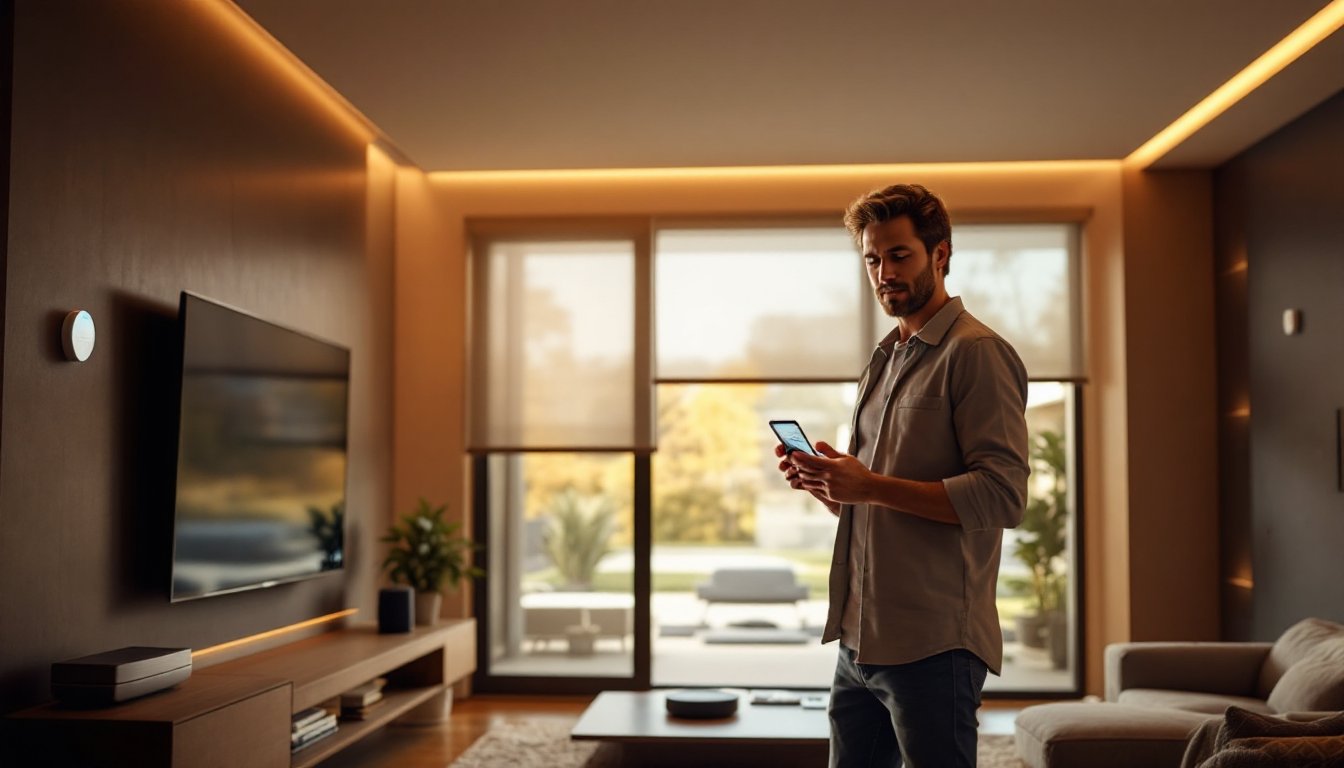
Voice control shaves minutes off daily routines. Turning lights on and off without finding a switch sounds minor until you do it a hundred times a week. Dimming lights from bed, adjusting the thermostat without leaving the couch, or starting your coffee maker before you get downstairs is genuinely convenient.
Energy savings come from smarter scheduling. A programmable thermostat can cut heating and cooling costs 10–15% by running less when you’re away. Smart lighting lets you turn off forgotten lights remotely and set schedules for outdoor lights. Smart plugs prevent phantom loads, devices that draw power even when “off.” Over a year, these savings add up to $100–300 on utilities, depending on your setup and region.
When combined with routines, voice automation encourages better habits. A “leaving home” routine can turn off all lights, lock doors, and adjust the thermostat in one command. You’ll actually use it instead of forgetting.
Security and Safety Advantages
Voice-controlled locks and cameras add real security layers. Lock or unlock your front door from the car, get alerts if someone tries the handle, or check a camera feed while you’re traveling. Smart doorbells like Ring or Logitech Circle View let you see and talk to visitors without opening the door.
For safety, smart smoke and CO detectors integrate with your phone and voice assistant, alerting you instantly if they detect problems. Smart lighting can be scheduled to simulate occupancy while you’re away, lights on at dusk, off at 11 PM, which deters opportunistic break-ins.
One caution: voice-controlled locks and security cameras store data in the cloud. Check privacy policies and reviews before buying. Reputable brands encrypt data and don’t sell information, but it’s worth confirming. Also, keep your Wi-Fi password strong (at least 12 characters, mix of letters, numbers, symbols) and enable two-factor authentication on accounts controlling your locks and cameras.
These features work with leading platforms: comprehensive reviews of the best smart speakers often evaluate security and privacy considerations across models.
Conclusion
Voice-controlled home automation is practical, affordable, and worth setting up. Start with a single hub and one or two devices, test the waters, and expand as you get comfortable. Most homeowners see genuine value in lighting and thermostat control within the first month. Whether you choose voice-controlled automation for your space or explore luxury systems, the foundation is the same: pick a platform, start small, and build from there. You don’t need a contractor or a tech degree, just a speaker, a device, and willingness to try.